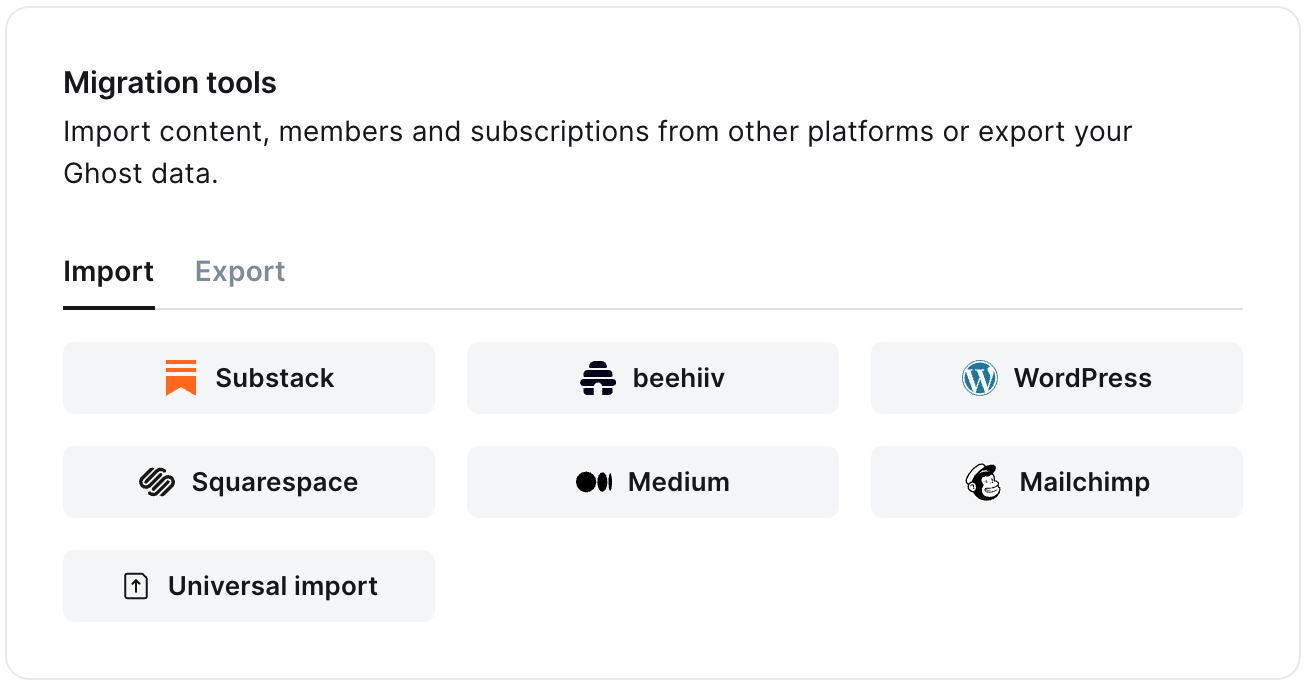
The Medium migrator allows you to quickly import content and members from your Medium to your Ghost publication. You can access the migrator tool from the Settings → Advanced →Import/Export area of Ghost Admin.It’s helpful to log in to your Medium account before running the migration in Ghost Admin.
Once your export has been downloaded, return to the migrator window in Ghost Admin, and select Click or drag file here to upload, and navigate to the zip file you downloaded from Medium, once uploaded click Continue.If you’re unsure of where the file was saved, check your Downloads folder.
Next, it’s time to import your Medium subscribers. Click Open Medium Audience stats, and click Export this list.Once downloaded, select Click or drag file here to upload and navigate to the text download, and click Continue.
Ghost will confirm the number of posts and members that will be imported to your publication. If satisfied, click Import content and subscribers to begin the import of your data.After a few moments, you’ll see a confirmation message, confirming that your data was successfully migrated to your Ghost site.
⚠️ The Medium content export includes all of your posts and all of the comments you’ve written across Medium. There is no sure-fire way to differentiate between these content types, so you should check the import to verify your posts are live.
The importer will make a post in Ghost for all posts and comments in your Medium export. The importer will try to sort posts and comments, based on the following rules:
If a piece has only one paragraph, treat it as a comment
If a piece of any length has an image, treat it as a post
Otherwise, treat the piece as a post
All pieces that are treated as comments will be saved as drafts
All posts that were drafts in Medium, will be drafts in Ghost
All **posts **that were published in Medium will be published in Ghost
You should check that comments and posts were sorted correctly. Possible comments that have been saved as drafts will be tagged #Medium Possible Comment.
If you’re using a custom domain on Medium, you’ll need to implement redirects in Ghost to prevent broken links.Medium appends a small random ID to each post, which is removed in the migration step above. The regular expression below removes that random ID, but does not affect preview links.
This means that if a visitor or crawler goes to https://mysite.com/awesome-post-a1b2c3d4e5f6, they will automatically be redirected to https://mysite.com/awesome-post.Learn more about Medium redirects here.
If your migration needs go beyond what our in-built migration tools can support you can still move to Ghost.If you’re a Ghost(Pro) customer, our Migrations team can support you in migrating your content and subscribers. Learn more and get in touch with the team here.Alternatively, if you are a developer, comfortable with using the command line, or running a self-hosted Ghost instance, we have a suite of open-source migration tools to help with large, complex and custom migrations.